
UI and Blocks
nTop Fluids features are currently beta blocks. To access them, check ‘Show beta blocks’ in your general settings.
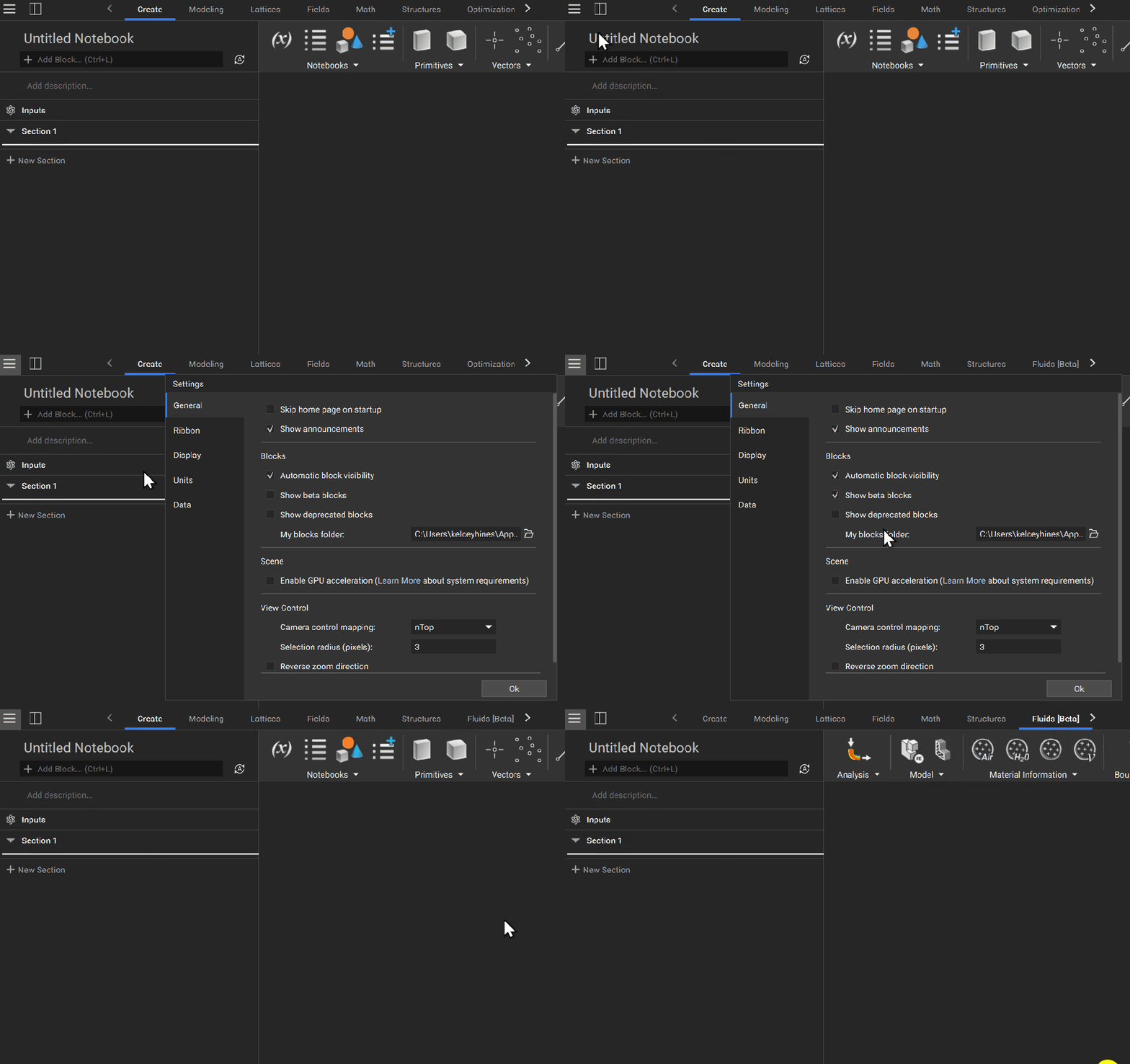

After showing beta blocks, you will see the Fluids [Beta] tab appear. You can now access a series of dropdown lists containing blocks you can use to set up a flow analysis.
Flow Analysis Block
Begin setting up your simulation by adding the Flow Analysis block to your notebook. Every block you use to define your flow analysis problem will get referenced here.
The Flow Analysis block has three inputs which we will explore in the following lessons.
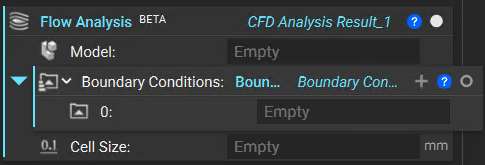

Model
Define the fluid domain and material attributes to simulate.

Boundary Conditions
Assign pressure and velocity at inlet(s) and outlet(s).

Cell Size
Assign a size for the cells used in the analysis.