
Simulation Model
The Simulation Model is where you will define the geometry and inherent behavior of your fluid domain(s).
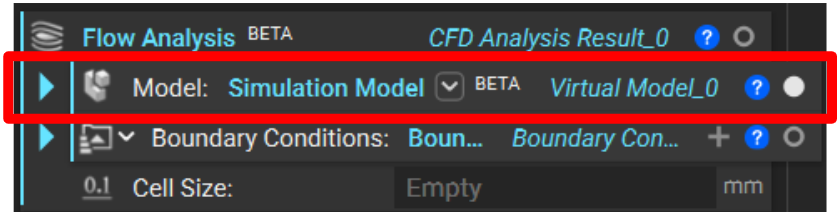
All simulations in nTop use the Simulation Model block regardless of the type of analysis you run.
Structural and Thermal simulations in nTop run on finite element (FE) models which intake tetrahedral meshes to represent solid volumes.
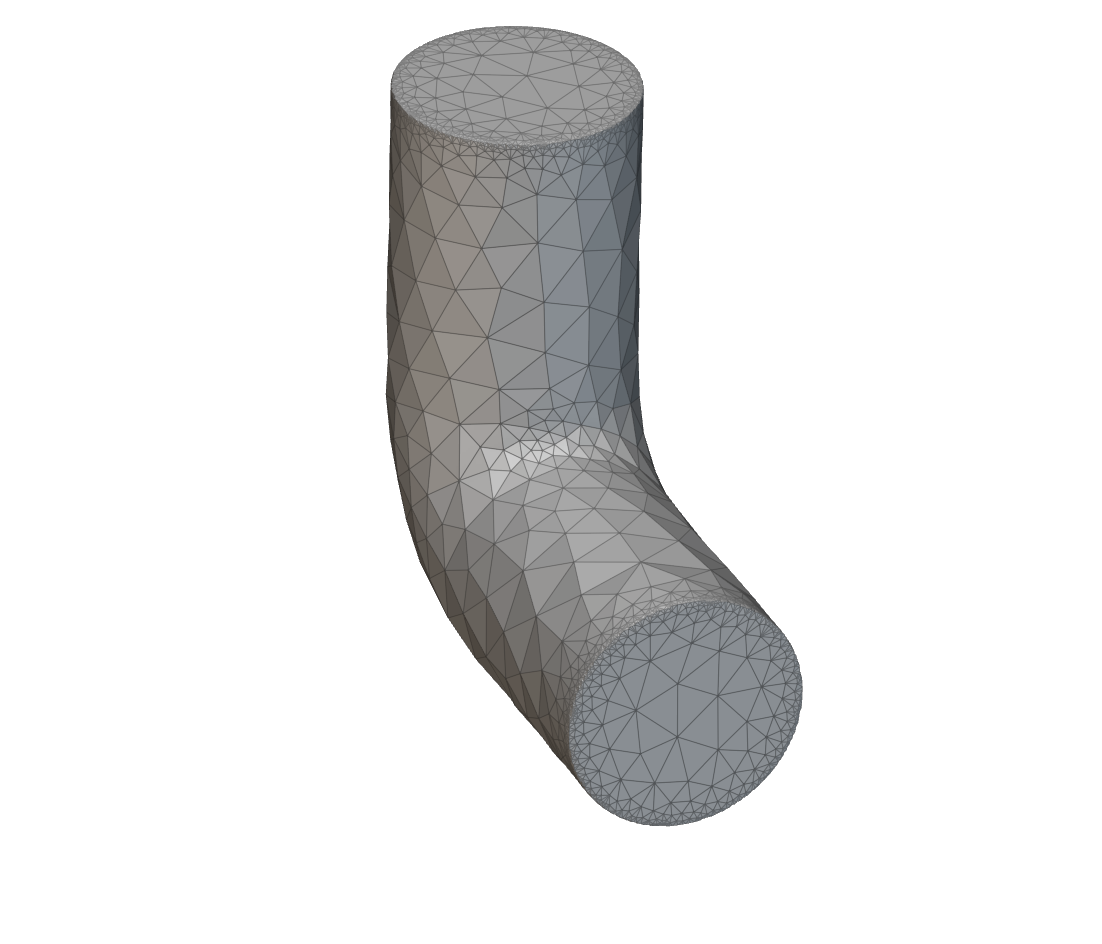
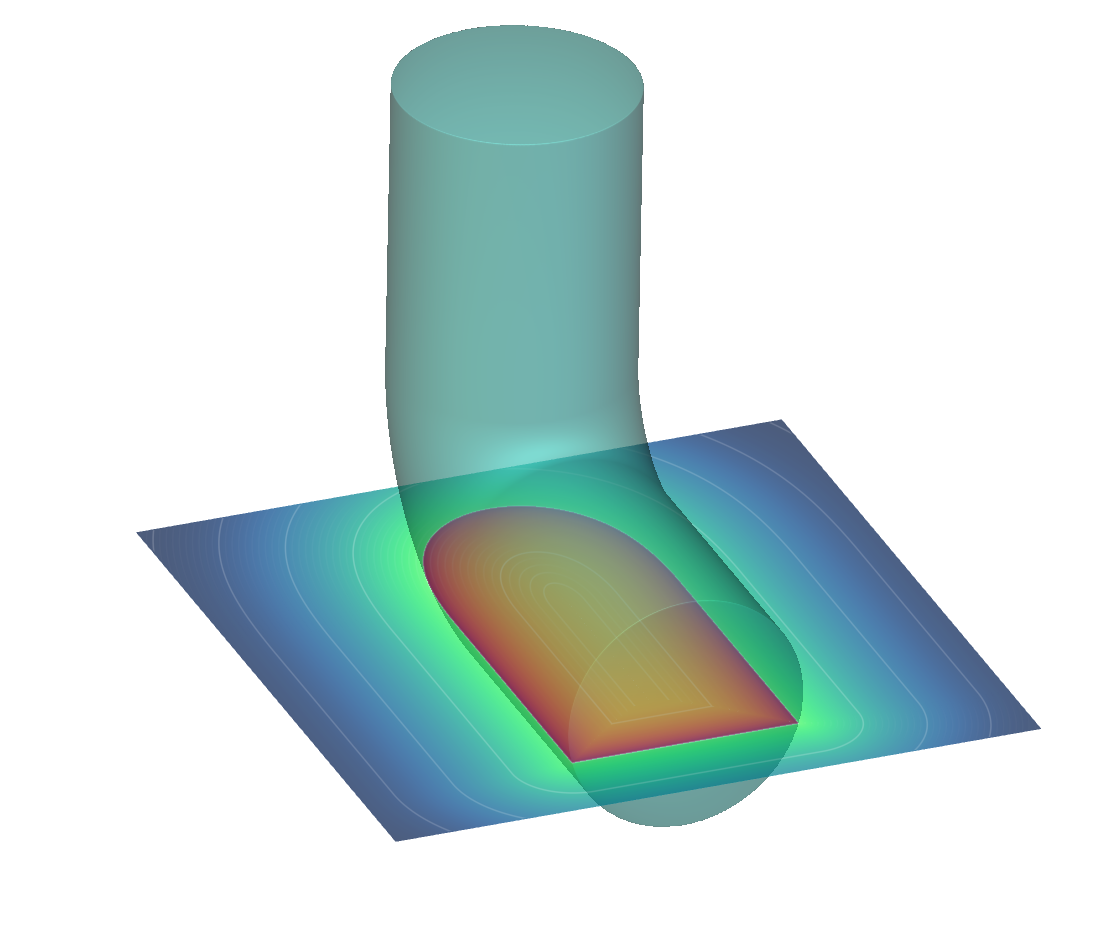
Flow Analysis runs on a virtual model which intakes an implicit body to represent fluid volumes.
Use the block’s overload to specify a Virtual Domain List for flow analysis applications. You cannot run flow analysis on FE domains.
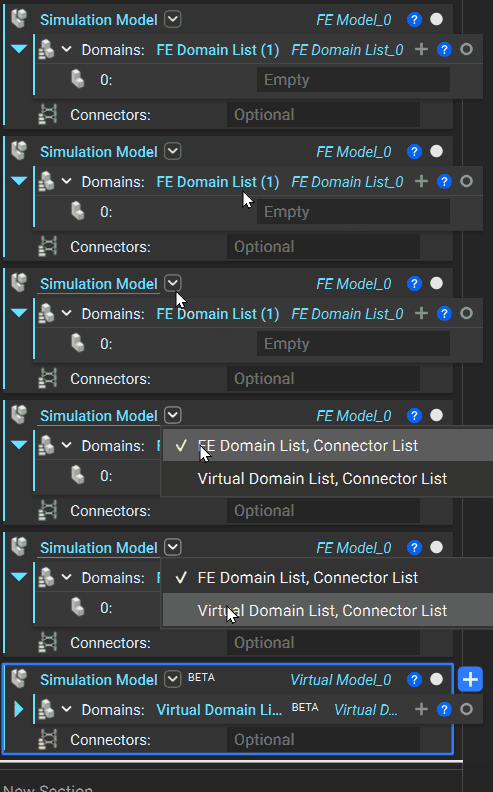
When building a model for flow analysis, you can ignore the optional Connectors input.
Fluid Domain

The Virtual Domain List is where you will add one or more Fluid Domain blocks to your model.
The Fluid Domain contains the Body, defined by an implicit body to represent the fluid volume, and an Attribute, which dictates material (fluid) properties.
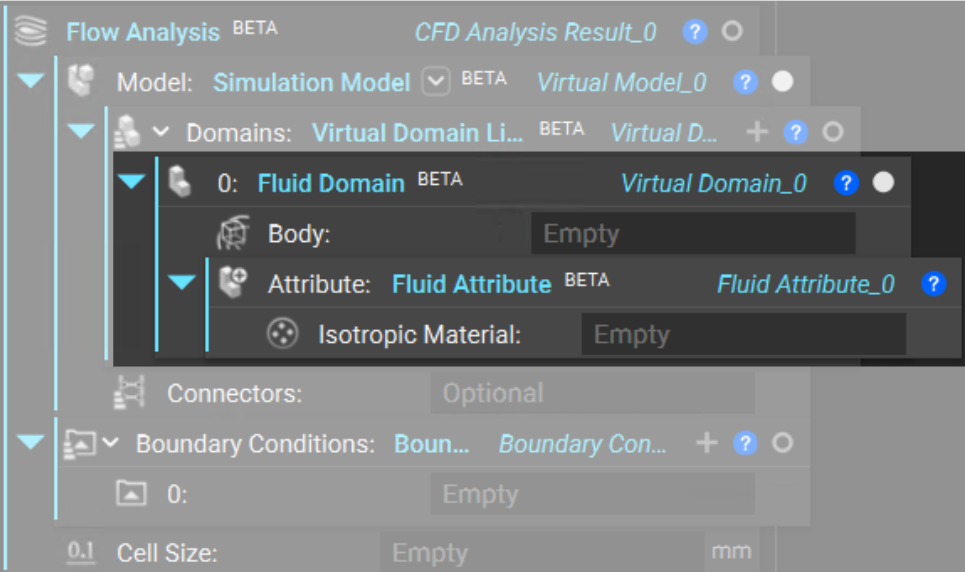
Fluid Attribute
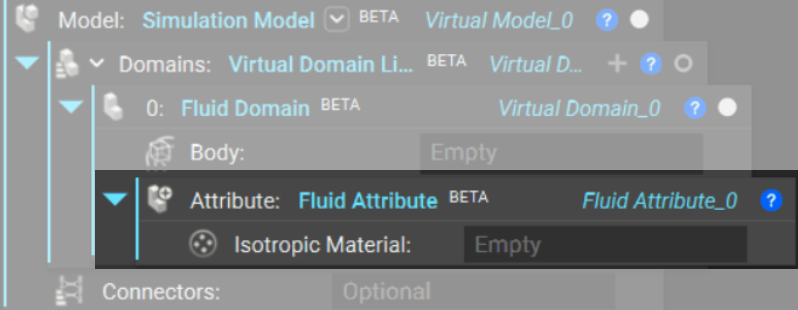
Within the Fluid Domain block, an empty Fluid Attribute block auto-populates in Attribute input. This is where we define the attributes of our material. For flow analysis, add an Isotropic Material to define density and kinematic viscosity.
You can define your own fluid to simulate or use pre-made fluid custom blocks.
-
Define a Fluid
-
Use a Pre-Made Fluid
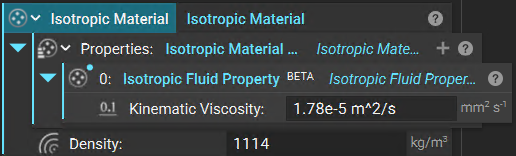
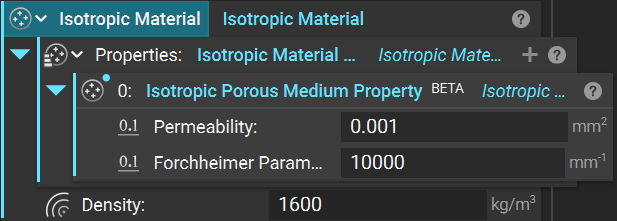
To define a fluid, add an Isotropic Material to your fluid attribute. Fill the inputs as follows.
- Properties (Choose One)
- Add an Isotropic Fluid Property block and define a Kinematic Viscosity.
- Add an Isotropic Porous Medium Property block and define a Permeability and Forchheimer Parameter.
- Density
- Define a Density value.
Note: To create a fluid and then recall it in future nTop workflows, you can build and save it as a custom block.
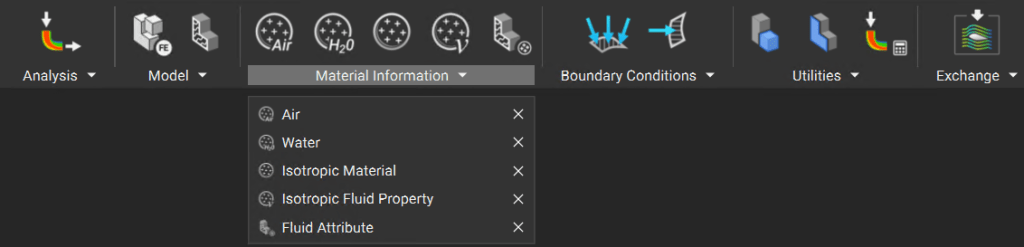
Custom blocks for Air and Water are already available to you. You can find them in the Fluids tab under Material Information.
