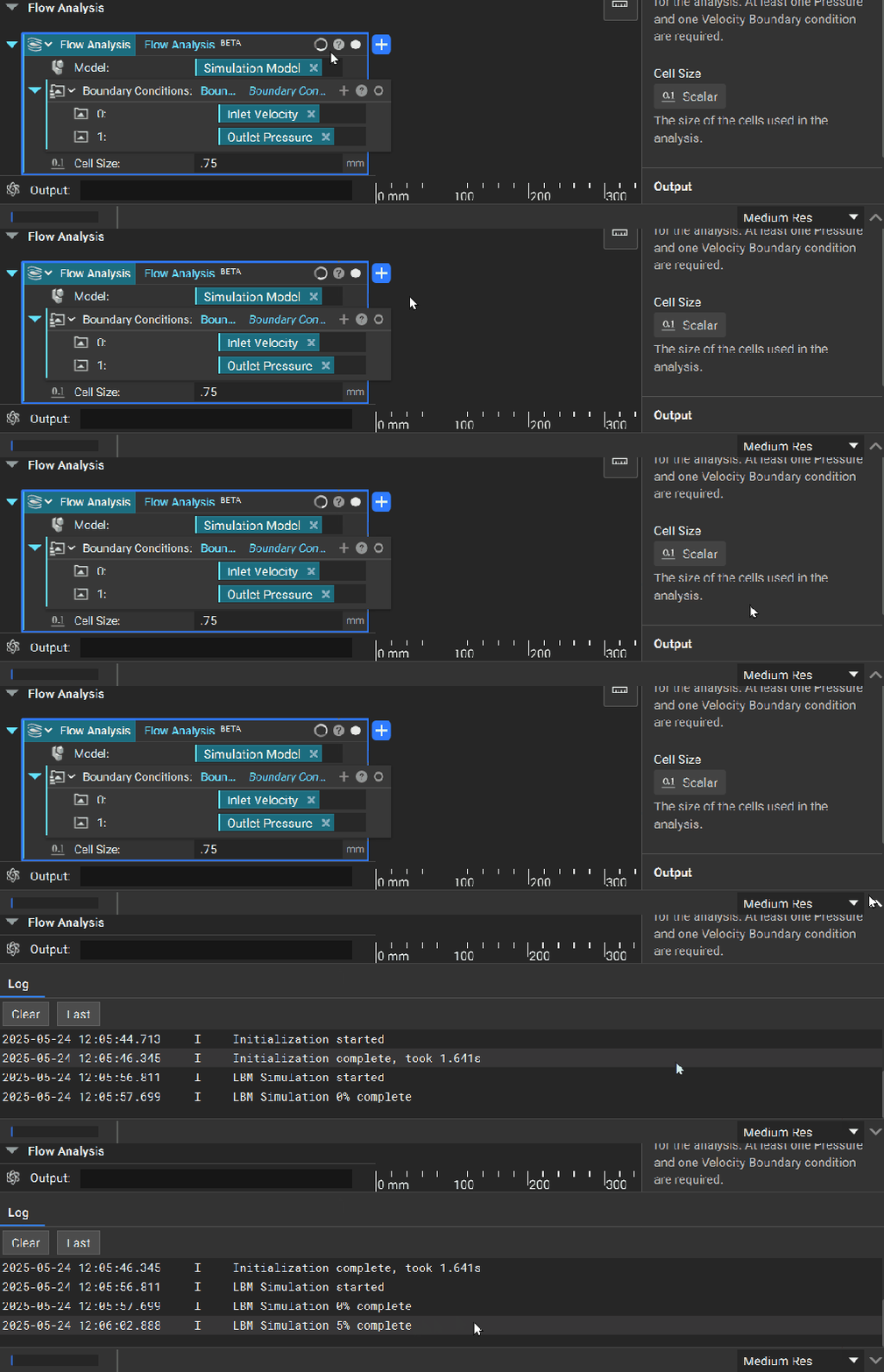
Flow Analysis
After completing all three inputs in the Flow Analysis block, the simulation will automatically run and produce your results.
GPU Memory Considerations
Recall that Flow Analysis runs on GPU memory. Before running a full simulation, the Flow Analysis block estimates available GPU memory. If insufficient, you will see an insufficient memory error.
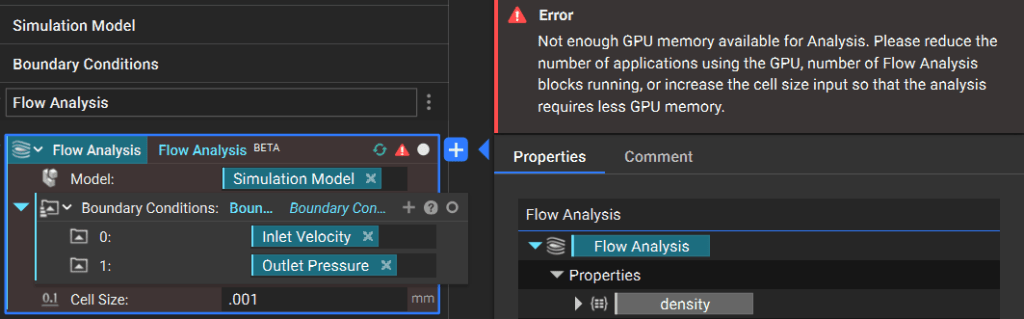
If your analysis runs slowly or encounters memory errors, you can free up available memory by:
- Decreasing your nTop resolution in the bottom-right corner of your screen
- Closing other nTop instances and GPU-intensive applications
Monitor Block Progress
To monitor progress as your flow analysis runs, you can open the Log Panel.