Import/Export Options
Import Options
It is possible to import static thermal and time-dependent thermal results into nTop.
Valid file types for import:
- *.rth (ANSYS Thermal Results File)
- *.op2 (Nastran Output File)
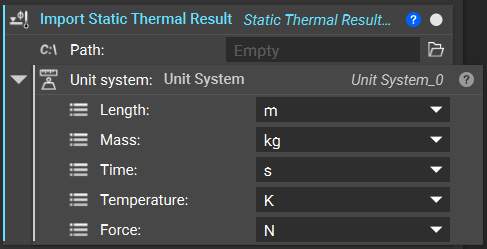
With the Import Static Thermal Result block, it is possible to directly import a static thermal analysis result. The import’s Path and the Unit System must be defined.
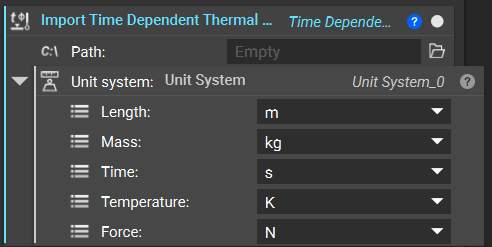
With the Import Time Dependent Thermal Result block, it is possible to directly import a time-dependent (transient) thermal analysis result. The import’s Path and the Unit System must be defined.
Export Options
We can also export thermal analyses (FE Model + Load Case).
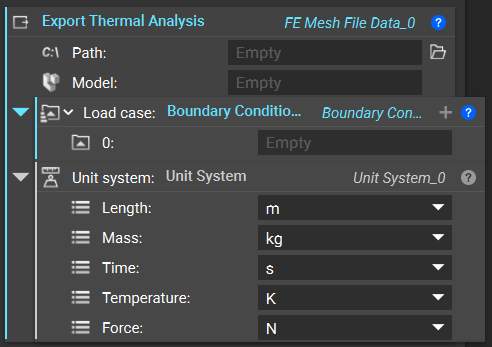
With the Export Thermal Analysis block, it is possible to directly export a thermal analysis. The export Path, Model, Load case and a Unit System must be defined.
Valid file types for export:
- *.inp (Abaqus Input File)
- *.cdb (ANSYS Mechanical Input File)
- *.bdf, *.dat, *.nas (Nastran Bulk Data File)
- *.k (LS-DYNA Input File)
- *.unv (Universal File Format)
- *.pat (Patran Neutral File)
- *.msh (ANSYS Fluent Mesh)