
Lattice Simulation Options and Comparison
There are several ways to simulate the behavior of lattice structures, each with its own set of trade-offs. The table below provides an overview of the three different methods of simulating lattice structures in nTop.
The next section will cover each of these methods as well as how to implement them so that you can better understand their differences and make informed decisions on the most suitable approach for your use cases and applications.
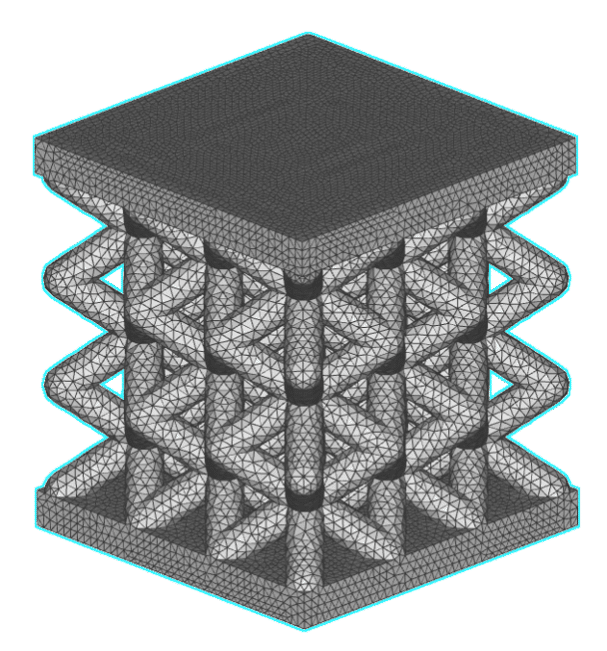
Solid Elements
Pros:
- Accuracy
- Edge effects considered
- Locatable maximum stress point
Cons:
- Computationally expensive
- Requires meshing of the lattice (challenging)
- Dependent on mesh quality
- Large file size
Applies To:
- Graph/beam-based lattices
- TPMS structures
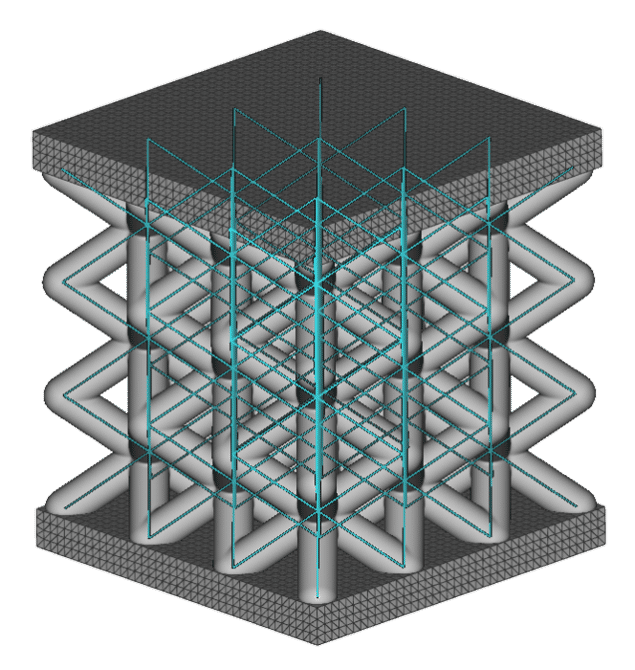
Beam / Shell Elements
Pros:
- Fastest of the three methods
- Accepts field-driven beam thickness
Cons:
- No edge effects
- No stress concentrations
- Ignores blend lattice-wall radius
Applies To:
- Graph lattices/beam- based lattices
- Shell lattices
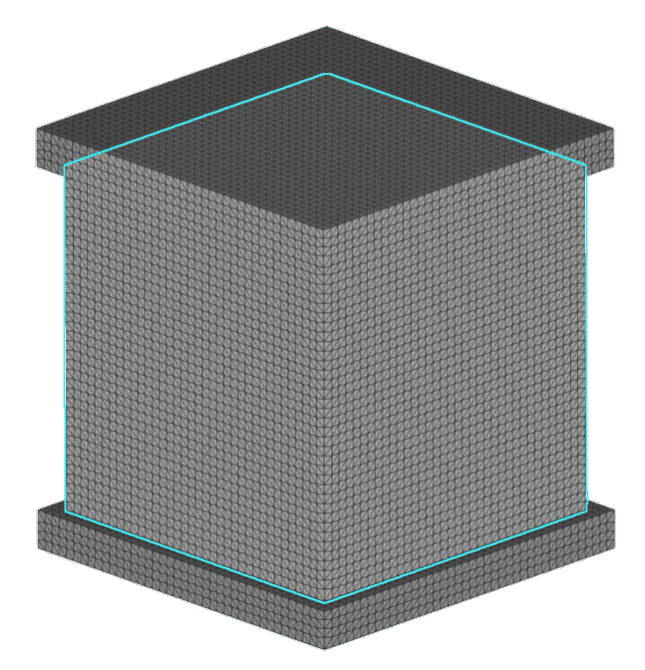
Homogenization
Pros:
- Fast
- Works for any type of lattice
- Works on large and high-density lattice structures
Cons:
- More setup steps
- Least accurate
- No edge effects
- No stress concentrations
- Ignores blend lattice-wall radius
- Lattice must be uniform and periodic
Applies To:
- Graph lattices/beam- based lattices
- TPMS structures
Check out this article on our Help Center to see a Case Study, which compares how these different methods affect computation time, displacement, and stress for a Body-Centered Cubic lattice.