Filtering Lattice Beams
In addition to modifying lattices using the Utilities in the previous lessons, you can also filter beams in a graph lattice using the filter options in the Lattice Utilities. The output type of any of these Filter blocks is a Lattice.
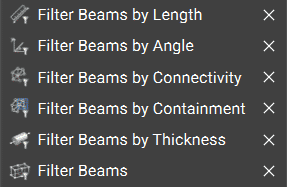
We offer five filtering options for comparing lattice beams to different criteria. If the comparison is false, the corresponding beam is filtered from the resulting Lattice. These are toolkit blocks, so right-click and select ‘Open Block’ to see their associated workflows. The Lattice from the Beams block, also in the Lattice Utilities, appears in each of these toolkit blocks.
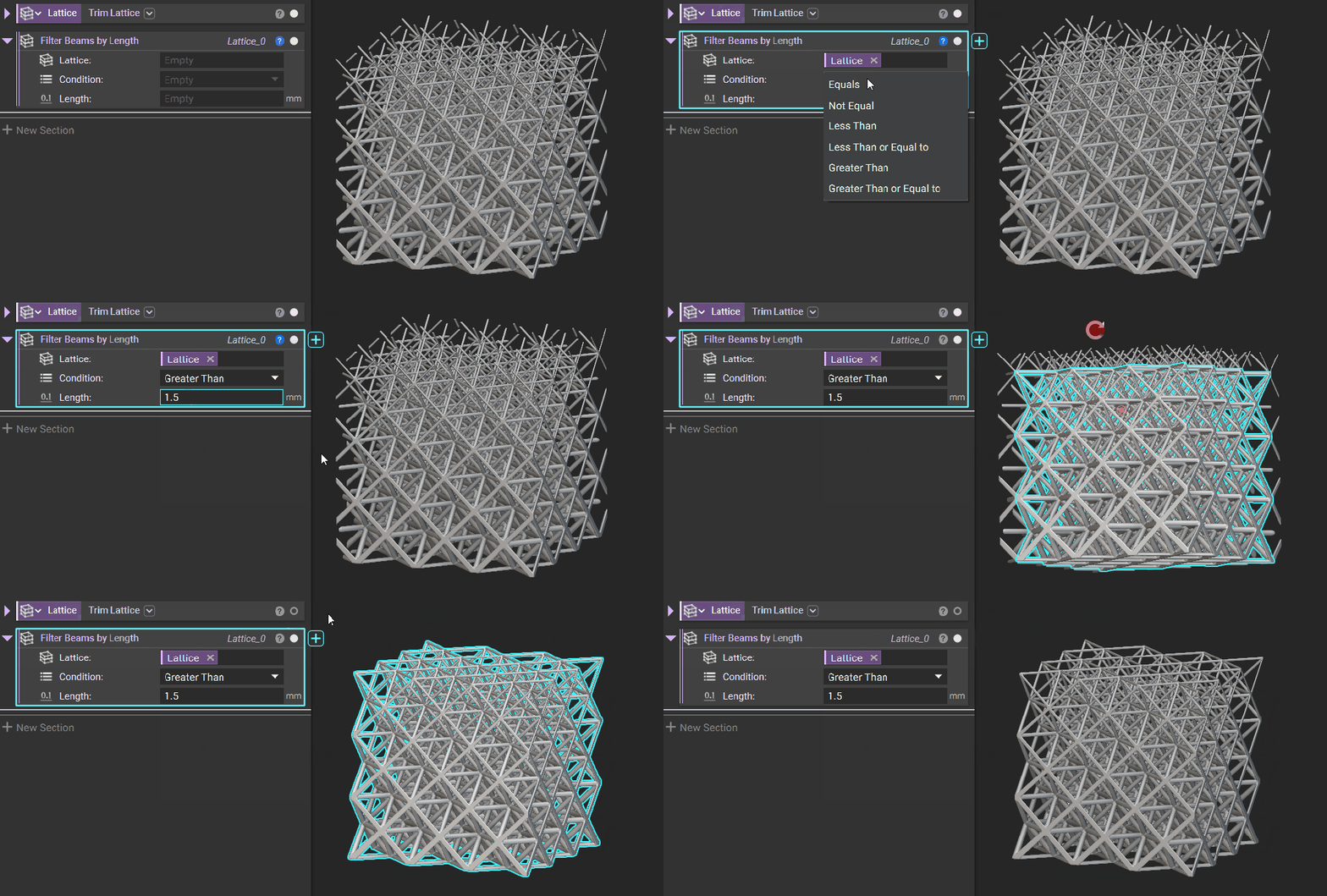
Filter Beams by Length
Retain a lattice’s beams that meet a specified length.
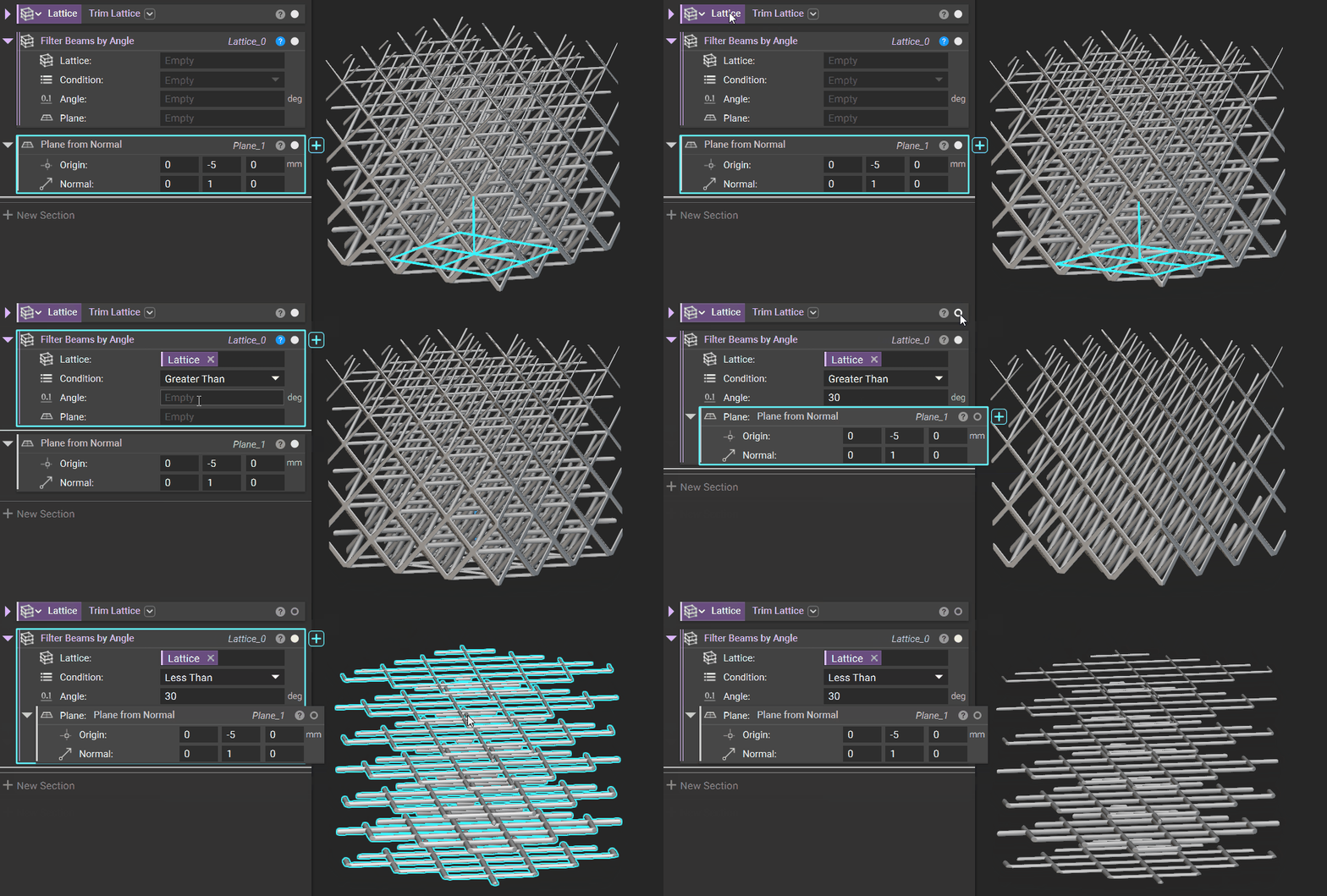
Filter Beams by Angle
Specify a Plane against which to compare beam angles.
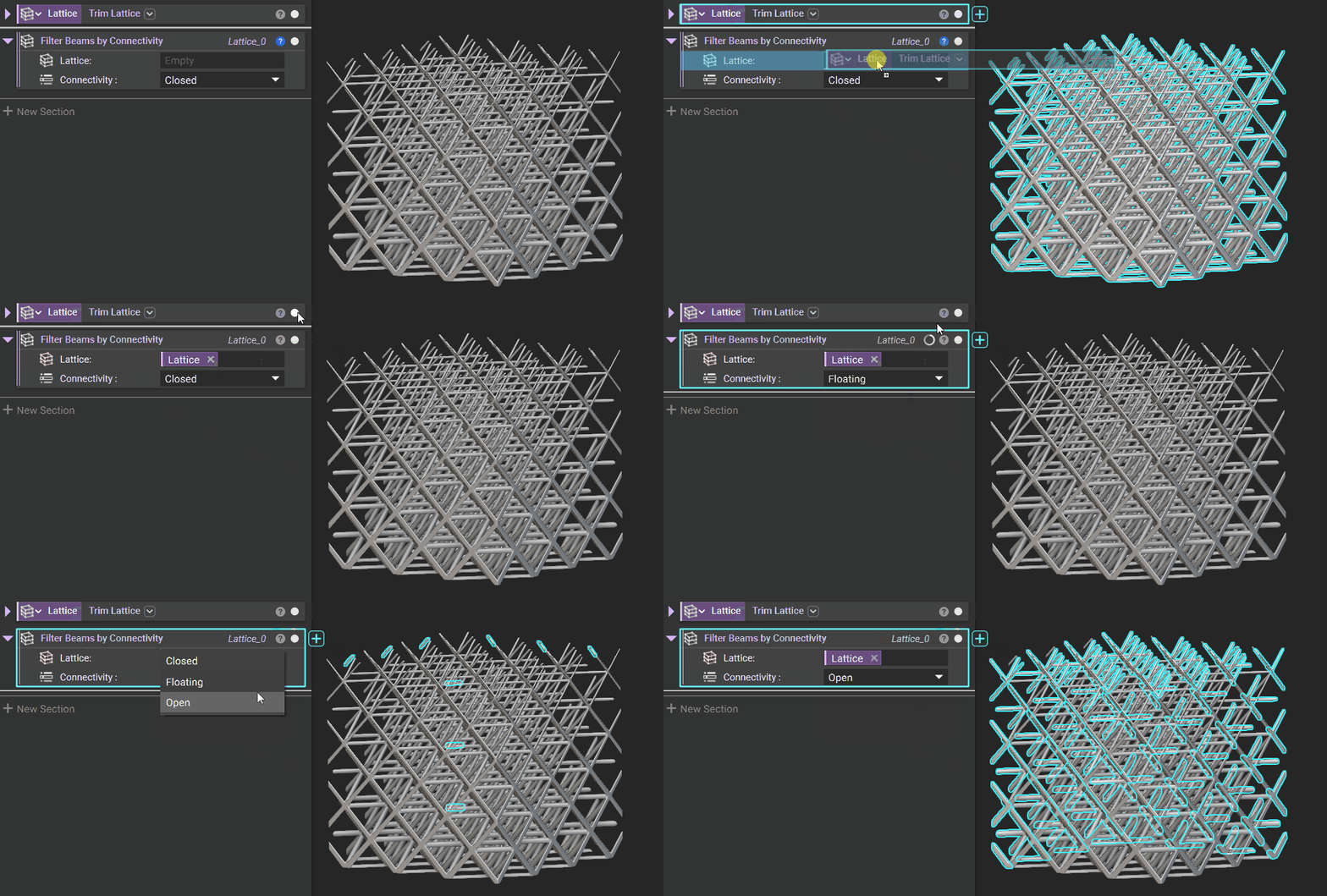
Filter Beams by Connectivity
Isolate or remove Closed, Floating, or Open Beams.
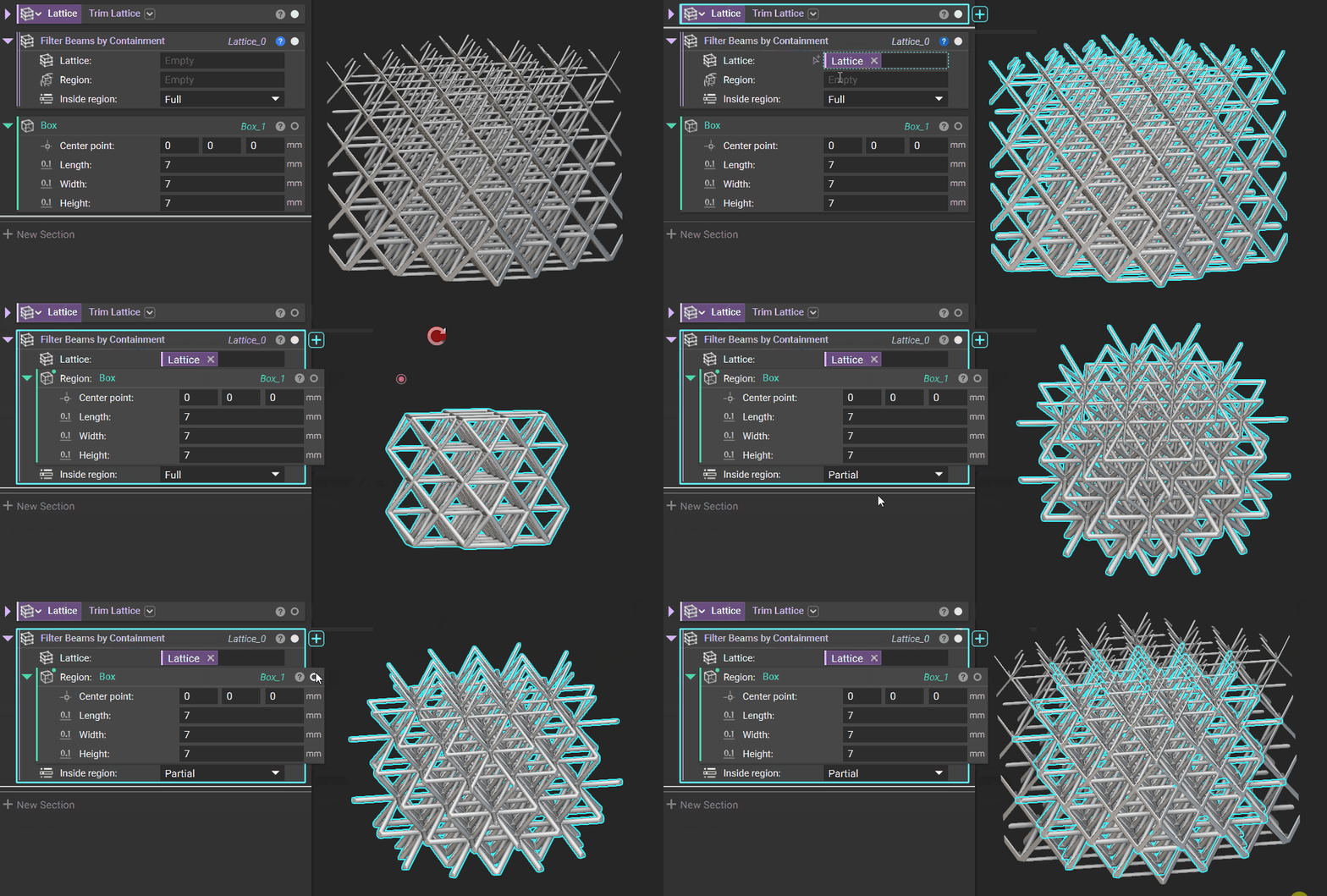
Filter Beams by Containment
Differentiate between beams that are fully or partially contained by a specified Region (Implicit Body).
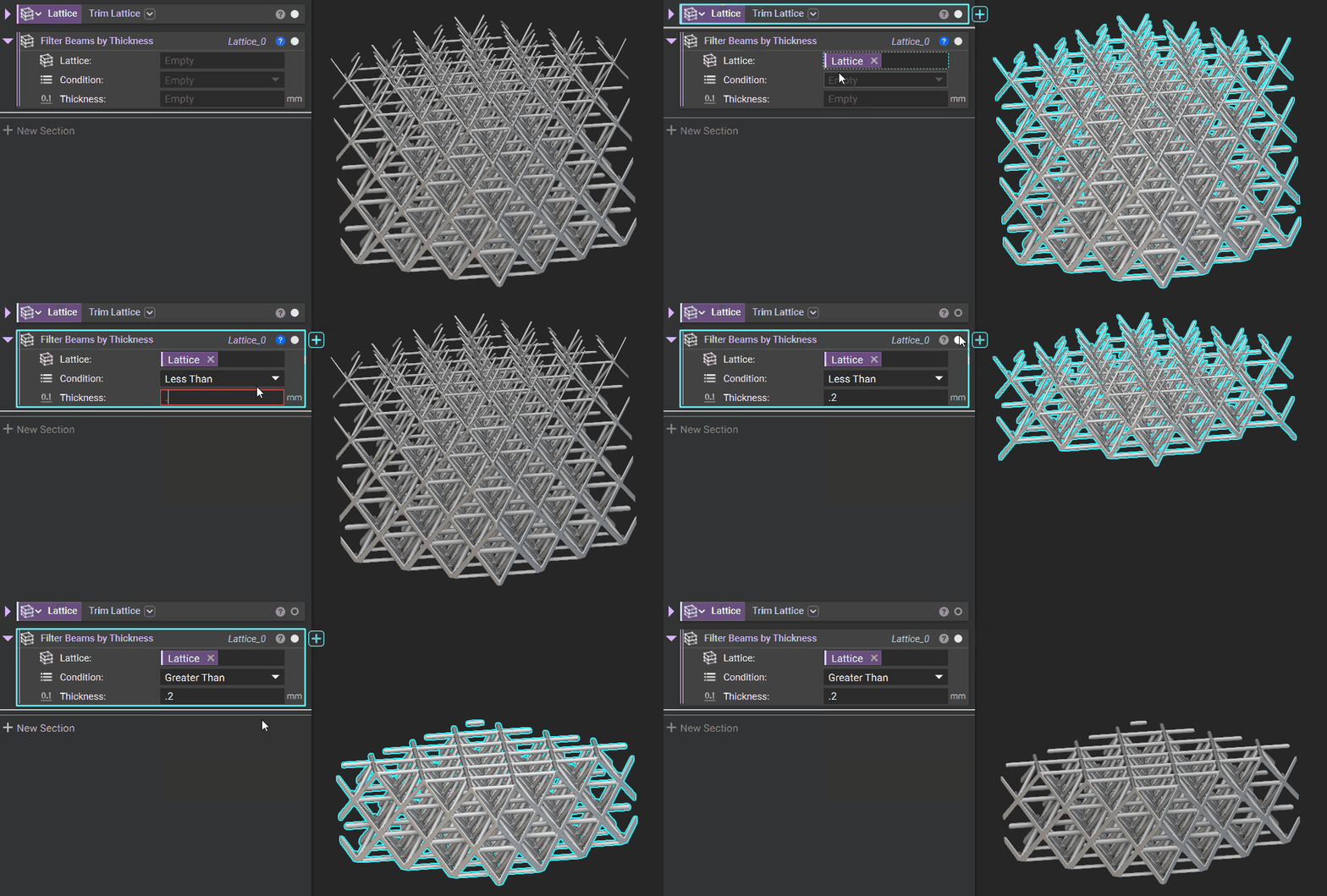
Filter Beams by Thickness
Filter by a specified beam thickness.
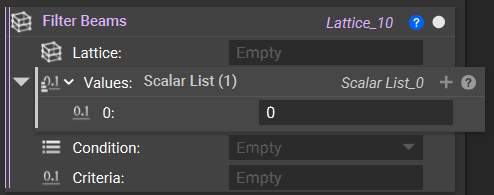
In addition to the five blocks above, use the Filter Beams block to generate your filtering criteria. You can compare each value in the Values list against the Criteria with the selected Condition. If the comparison is false, the corresponding beam is filtered from the resulting lattice. Therefore, the number of Values must match the number of beams in the input Lattice.