
What is the Notebook?
The Notebook documents and represents an engineering workflow in nTop. It records all functions performed and captures a process that can work on any part, allowing users to reuse the workflow to generate new designs.
The Concept
Comparable to the model tree in traditional CAD software, the Notebook keeps a record of modeling operations. Unlike in traditional CAD, however, all operations in nTop are not performed on the geometry itself. Since the geometry on the screen is only a representation of the mathematical equations behind the scene, it is our choice of inputs or parameters within the Notebook that creates and manipulates the geometry. In a sense, users can think of nTop as a visual programming language.

The Block System
nTop operates on a block system, where each block serves one specific function. When given a set of inputs, a block computes an output that can also be used as input for other blocks.
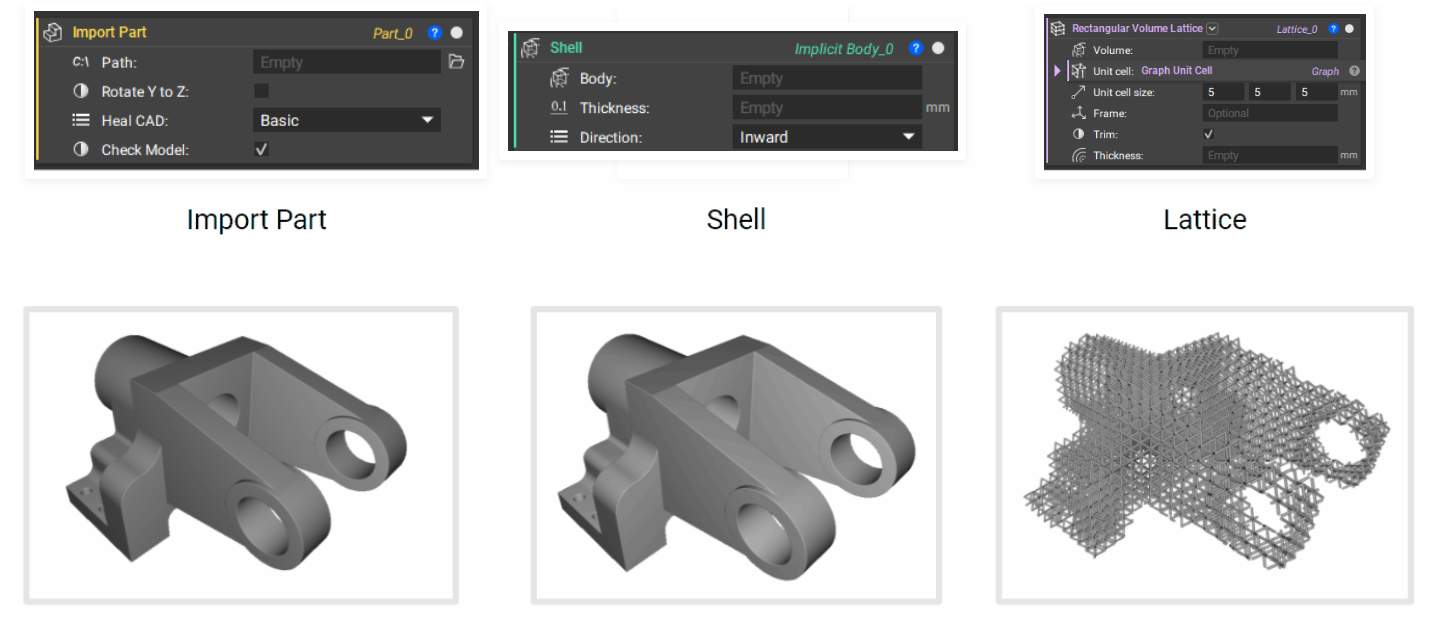
Because of the block system, there can be more than one starting point, and the order of these blocks does not have to be sequential in the order of their creation. This gives you more power to do multiple processes in parallel and create more complex geometry.