
Importing Point Maps
We can also import Point Maps from outside sources. There are two ways to accomplish this:
- Importing a .csv file
- Importing results directly from other software
Method 1: Working with a .csv File
After generating the .csv file, we use the Import Scalar Point Map or Import Vector Point Map blocks to bring in the appropriate Point Map. Image 1 below shows both blocks.
If importing a Scalar Point Map, ensure your format is X, Y, Z, S, where S is the desired value at each point.
If importing a Vector Point Map, ensure your format is X, Y, Z, U, V, W, where the U, V, W represents the vector at each point.
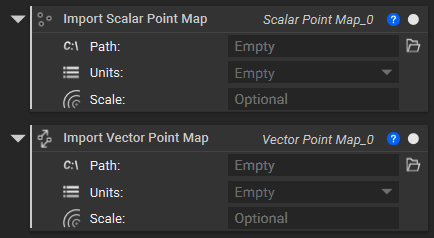
Image 1: Import Scalar and Vector Point Map blocks
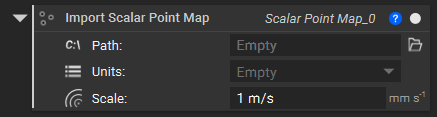
Image 2: Assigning unit to the Scalar Point Map block
To see a table of supported units and their abbreviations in nTop, navigate to Documentation→ Blocks and the Notebook→ Using Blocks→ Units. Use these when assigning complex units, and include the scalar value before the units.
Once the inputs of File Path and Units are in, you can view the imported data, as in Images 3-5.
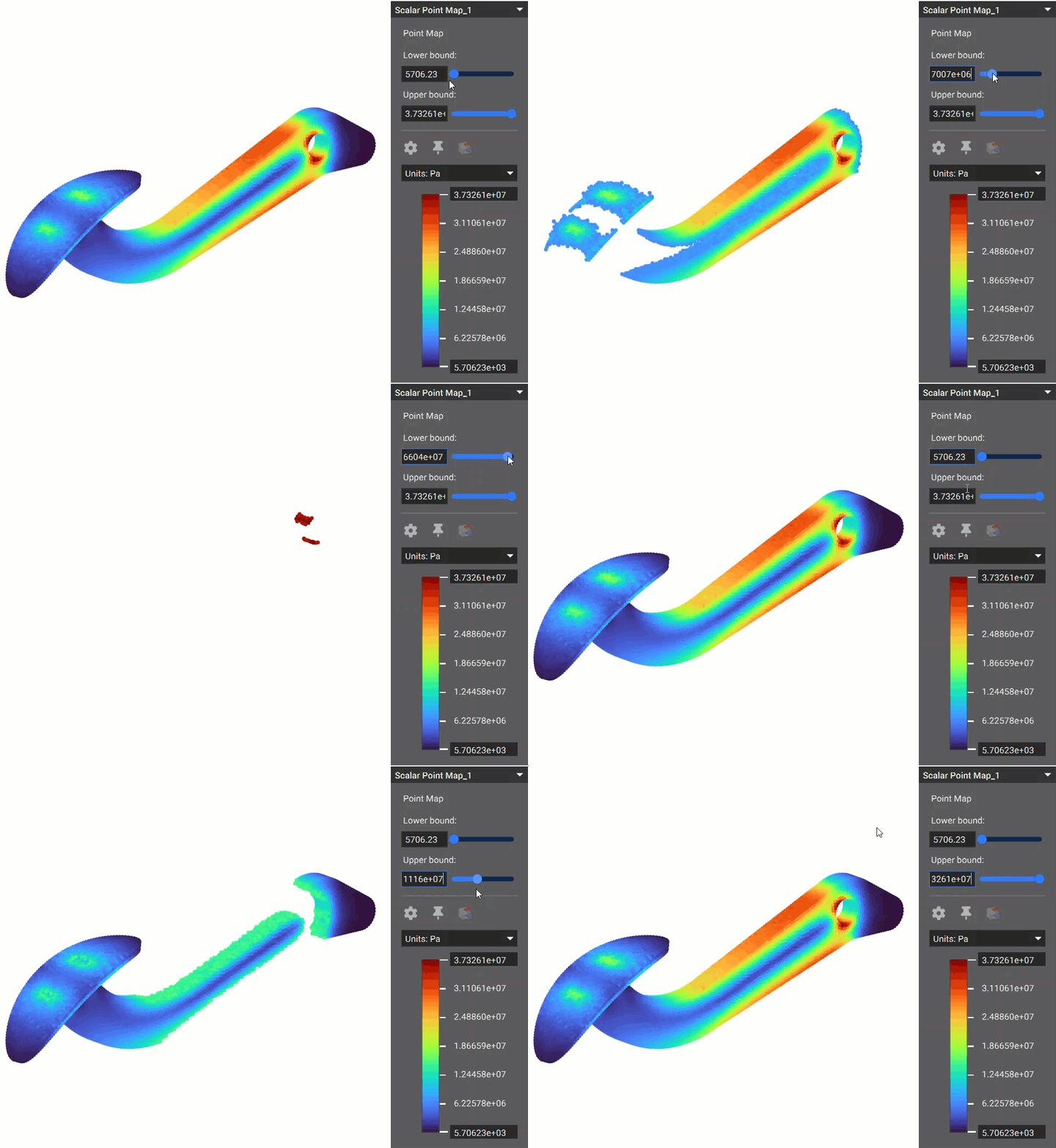
Image 3: 3D Scalar Point Map
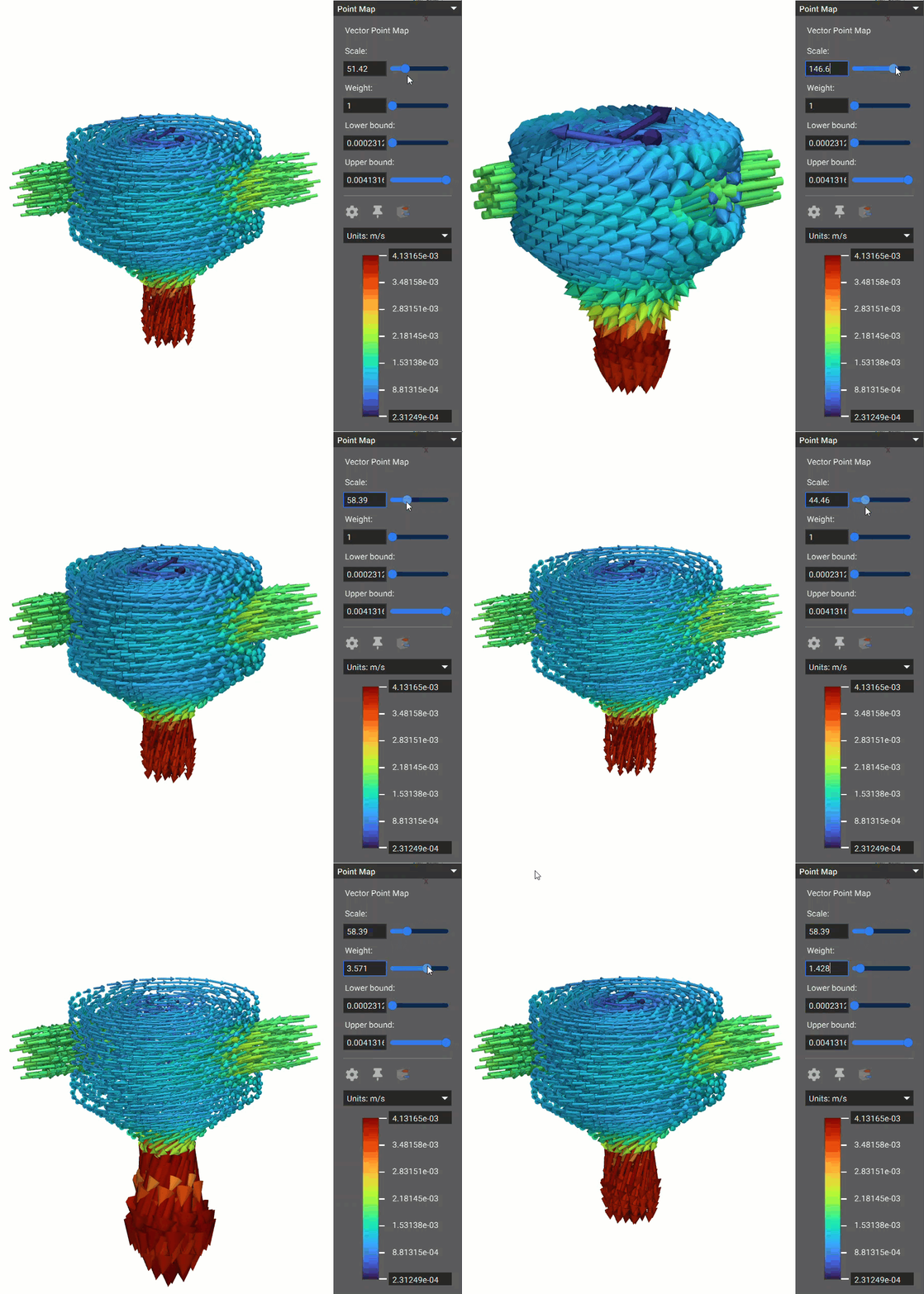
Image 4: 3D Vector Point Map, in a cross-sectional view
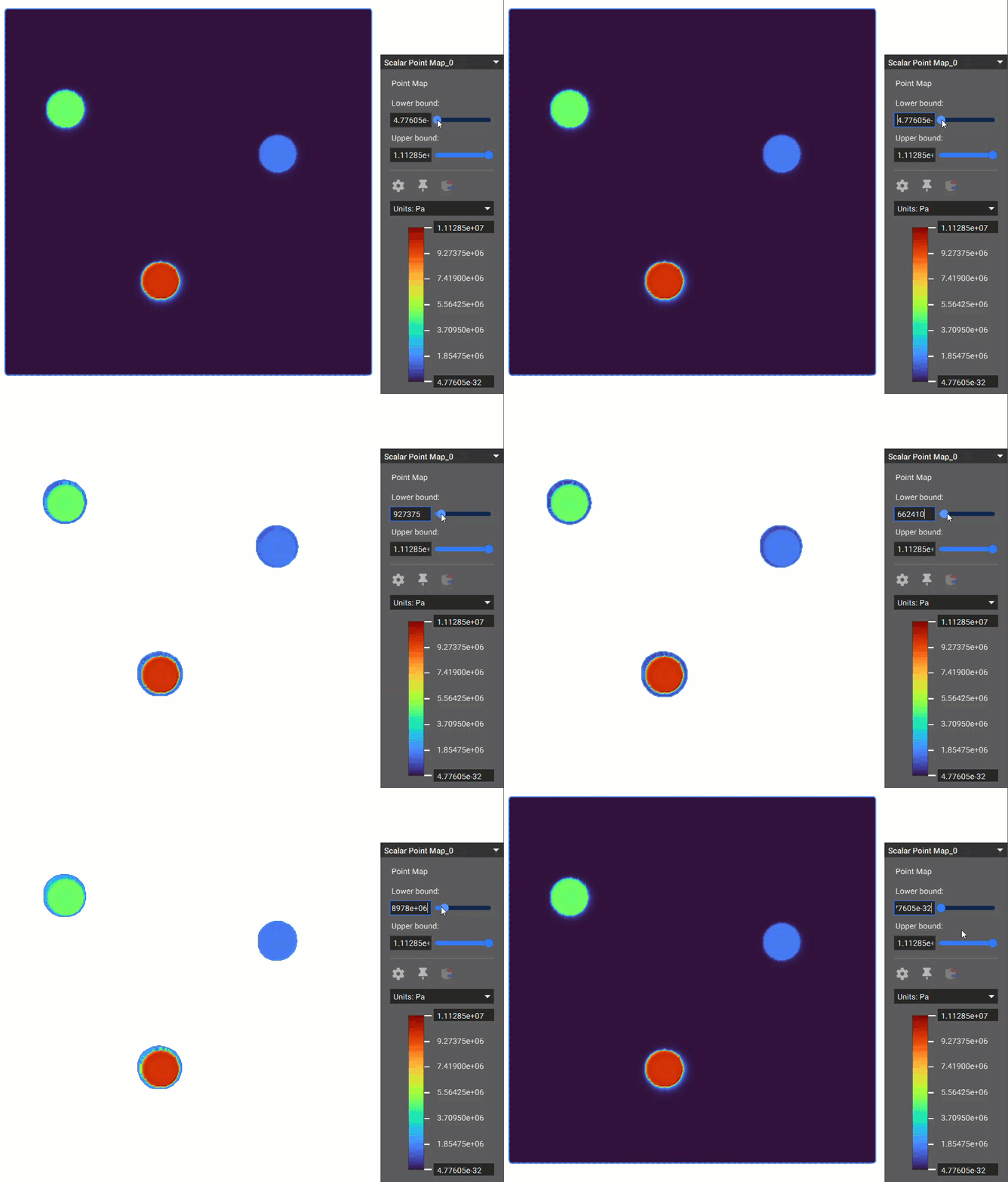
Image 5: 1D Scalar Point Map
Method 2: Working with Results Files
While importing .csv files is the most robust and recommended way to import point maps from outside sources into nTop, the second method is to import the result files directly. This is done by using an Import Result blocks.

To see what file types are supported, bring the appropriate Import Result block into the Notebook, click the folder icon, and then view supported file types that are possible in the Windows Explorer dropdown menu, or check out the support article to learn about different file formats supported on import.
Below is an example using the Import CFD Analysis Result block.
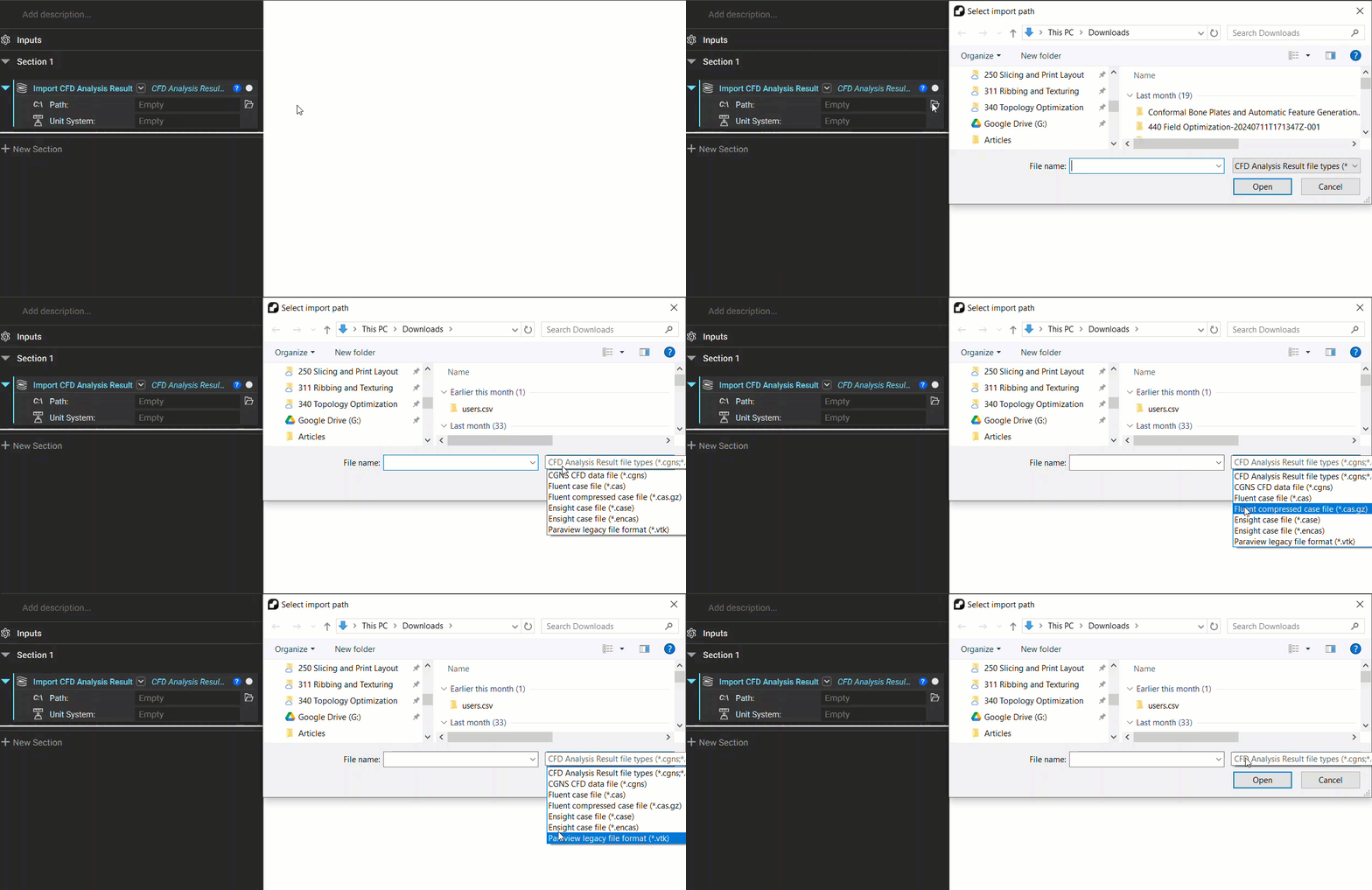
Once the Case and Data file paths, as well as the Unit inputs, are satisfied, you can view the imported data. The example image below is from a Conjugate Heat Transfer analysis of a cross-flow HEX with a simple TPMS Core.

Cross Section of Import CFD Results from a Conjugate Heat Transfer Analysis