
Best Practices for Exporting Summary
Throughout the Refining/Cleaning Meshing Section, we explored the different options to prep your part for export. If you are working with a complex meshing structure, here is the method we recommend to export for printing or simulation.

While it depends on the application, here are the suggestions that we have for meshing complex TPMS or lattice structures for each block:
Tolerance:
- “Step Down Method” – Start with a large tolerance and then continue to lower
- Starting Size: 30-50% of your minimum feature size
Minimum Feature Size:
- “Step Down Method”
- Use this input if the output mesh captures small details which are not manufacturable.
Sharpen:
- (In the Overload Option) nTop gives you the option to sharpen only specific regions using the Sharpen Extents to avoid sharpening the whole mesh.
- If you’re not satisfied with the output, first try increasing the number of iterations and then lower the tolerance (Generally, three sharpening iterations is a recommended starting point. Increasing the number of sharpen iterations can help to reduce down steam issues when remeshing.
Simplify:
- Complex Part? Don’t Simplify (this option will simplify by ~90% ) which may result in a loss of geometric fidelity.

- Start with 50% and check quality (i.e. self-intersection, fidelity, etc.)
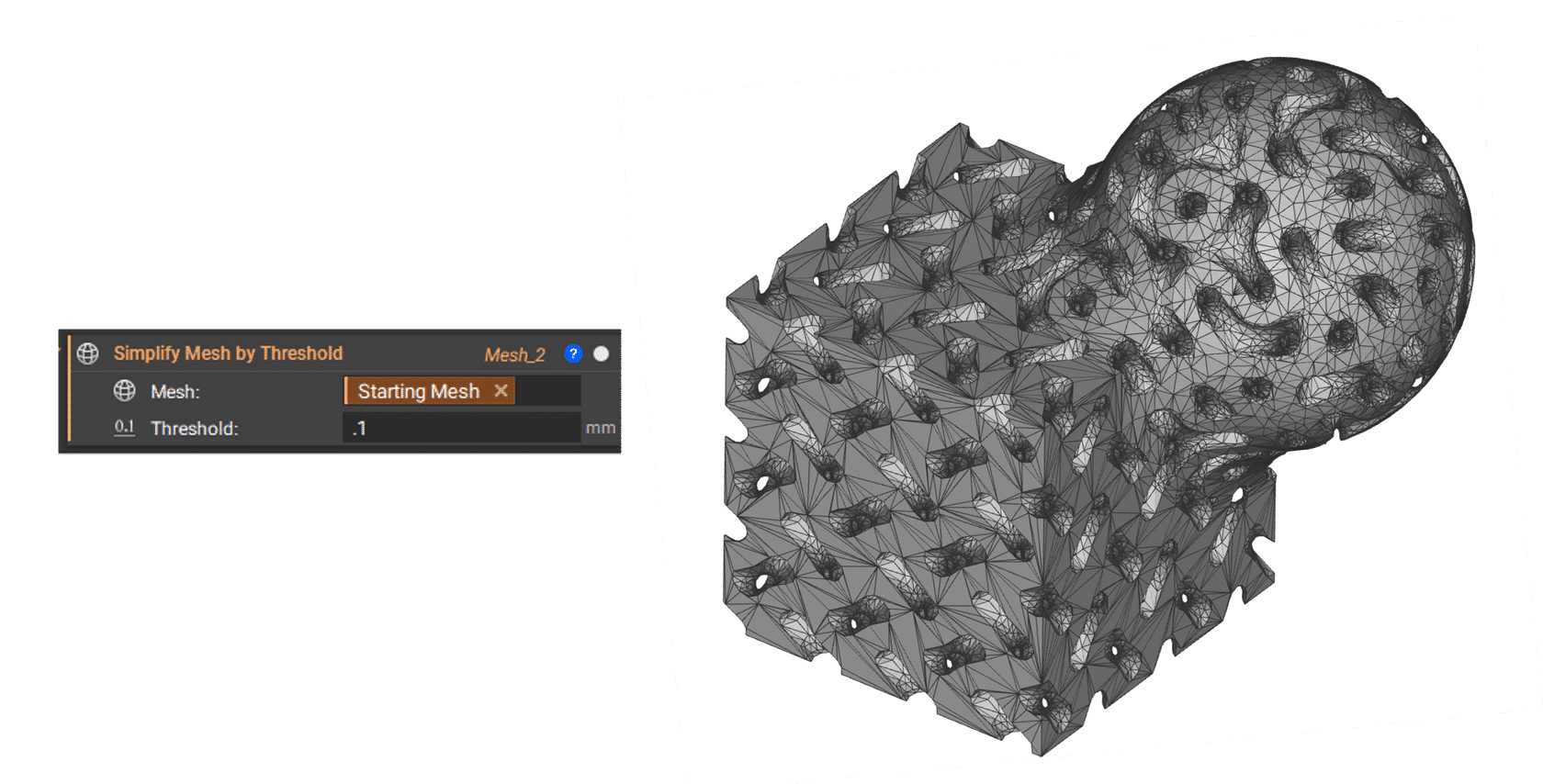
- Start with 10% of the input mesh tolerance and then decrease from there. (i.e. if your Mesh from Implicit Body tolerance is 0.1mm, your starting Simplify Threshold value is 0.01mm)
Growth Rate:
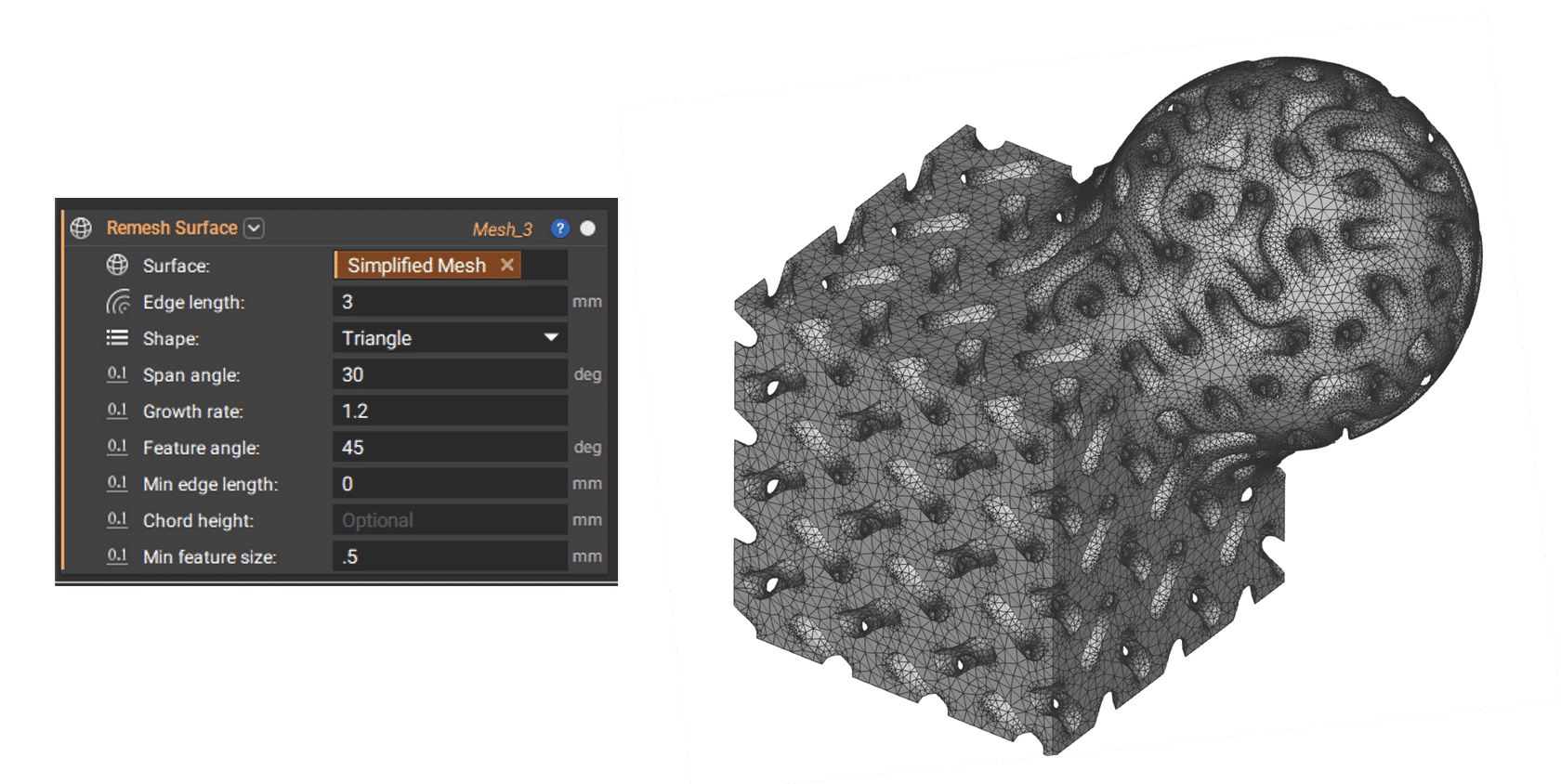
- The default is 2, but when a higher-fidelity mesh is required, use a growth rate between 1.2 and 1.5.
Additional Inputs:
- Edge length is not the only or always the best way to control your mesh. For example, the Span Angle and Chord Height can be great ways to preserve your geometry.
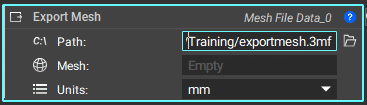
- If your downstream application will accept a 3MF file, these are generally 1/3 the size of an equivalent STL file.
Tip:
“I generally use the Remesh Surface Block before I go to manufacturing or a high-fidelity analysis. I set the edge length quite large to start and adjust as needed. The geometric fidelity can also help be preserved with other control options. I ALWAYS start with my Growth Rate at 1.2. If I have a large model with a wide range between Min and Max feature sizes, I will generally try adjusting the Span angle and other inputs first to try and preserve curvature, etc., before reducing the Edge Length by too much. Let the meshing algorithm and inputs work for you.”
Tip from an nTop Solutions Engineer
Note: We have recently added the Mesh Quality block to compute mesh quality metrics relevant for simulation analysis. This block is useful if the given volume mesh or (surface) mesh is used to create a downstream FE mesh. Available metrics include orthogonality, skewness, composite mesh quality, and intersecting triangles. The HUD also features a mix and max slider to view elements within the selected range to easily identify specific elements that may cause issues solving the simulation and getting accurate results.